

Follow these steps to add a security question to your MyDreamIT account:
1. Log in to your MyDreamIT Portal by clicking the MYDREAMIT button on the top right-hand side of our website. Alternatively, you can log in via this link here.
2. Enter your login information to access your MyDreamIT Portal.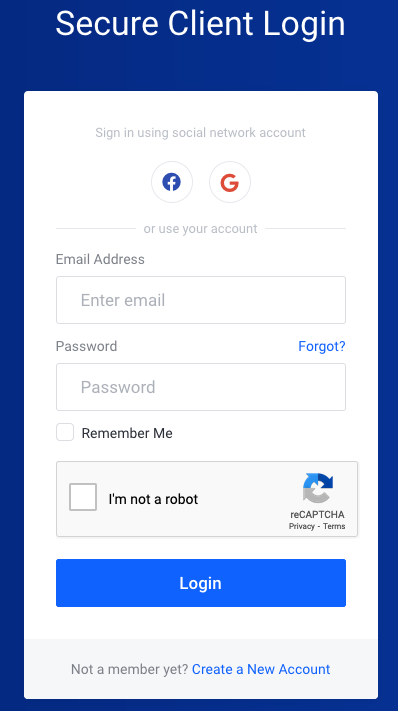
3. Click on your name in the top right-hand side of your dashboard, then click Security Settings from the drop-down menu.
4. Click the Change Security Question tab in the security settings area.
5. Choose your security question from the drop-down box and enter your answer. You must confirm your answer to ensure it is correct. Once completed, click the Save Changes button.
Note: Please write down your answer in a safe spot. The answer is case-sensitive, so you must enter it exactly as you typed it here.