

Click here for cPanel instructions.
Click here for DirectAdmin instructions.
Follow these steps to log in to cPanel:
There are two ways to log in to cPanel. You can do this via your My DreamIT Portal or your domain URL.
Method 1 – Login via your MyDreamIT Portal
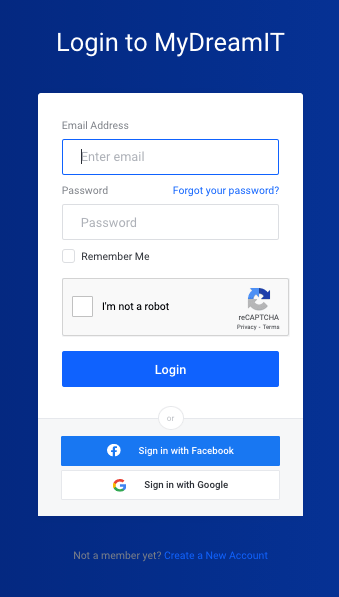
1. Log in to your MyDreamIT Portal. To do this, click here.
Note: Your login details are the email and password you used to sign up for our services.
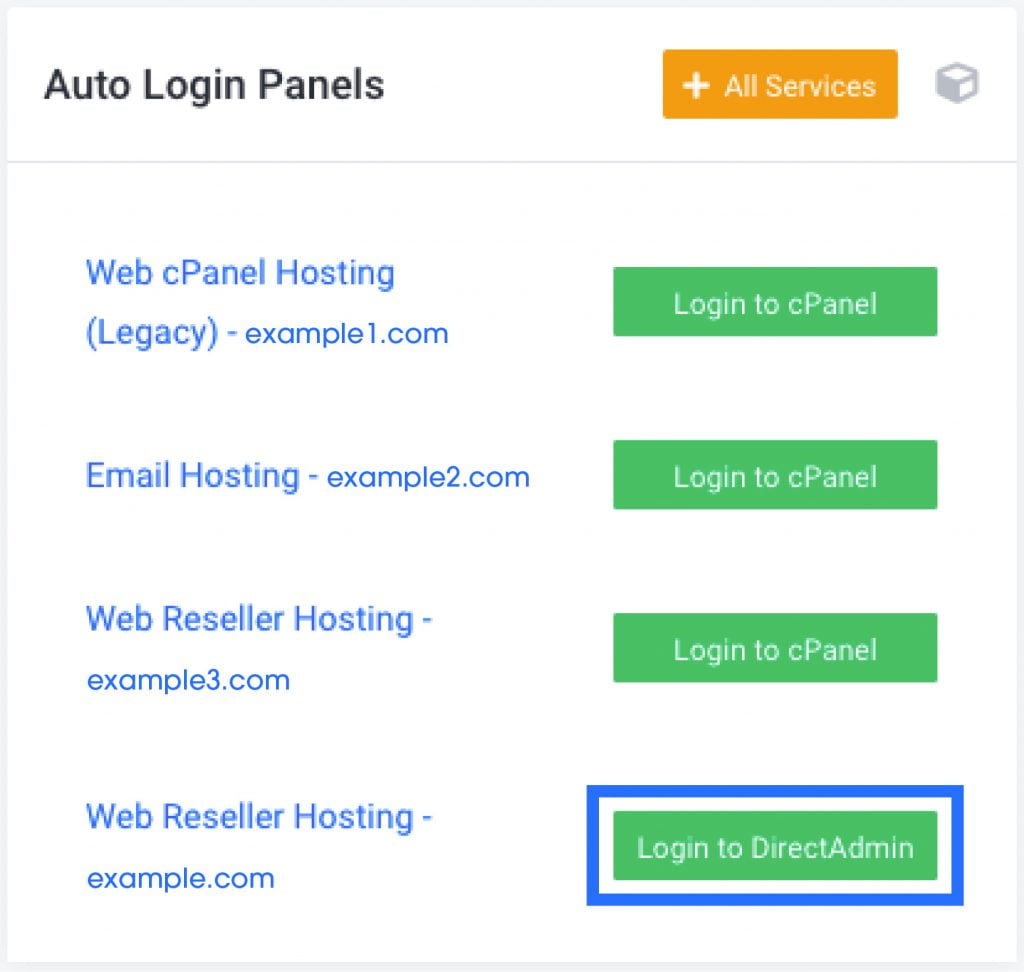
2. Once you are logged in, scroll down to Auto Login Panels, then click Login to cPanel.
Method 2 – Login via Your Domain URL
1. Open your web browser and type in your domain followed by /cPanel or :2083 in the address bar.
For example: If your domain is example.com, you would enter example.com/cpanel or example.com:2083
2. Once you open up the login page, you can enter your cPanel login details.
Note: Your cPanel login details are in your Product Welcome Email. Your Product Welcome Email would have been sent to you when you first ordered a service from us. If you require assistance finding your login details, you can raise a support ticket via your My DreamIT Portal and our team can assist you further.
Follow these steps to log in to DirectAdmin:
There are two ways to log in to DirectAdmin. You can do this via your MyDreamIT Portal or your domain URL.
Method 1 – Login via Your MyDreamIT Portal
1. Log in to your MyDreamIT Portal. To do this, click here.
Note: Your login details are the email and password you used to sign up for our services.
2. Once you are logged in, scroll down to Auto Login Panels, then click Login to DirectAdmin.
Method 2 – Login via Your Domain URL
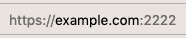
1. Open your browser and type in your domain followed by :2222 in the address bar.
For example, if your domain name is example.com, you would type in example.com:2222.
2. This will take you to the DirectAdmin login page, where you can enter your DirectAdmin login details.
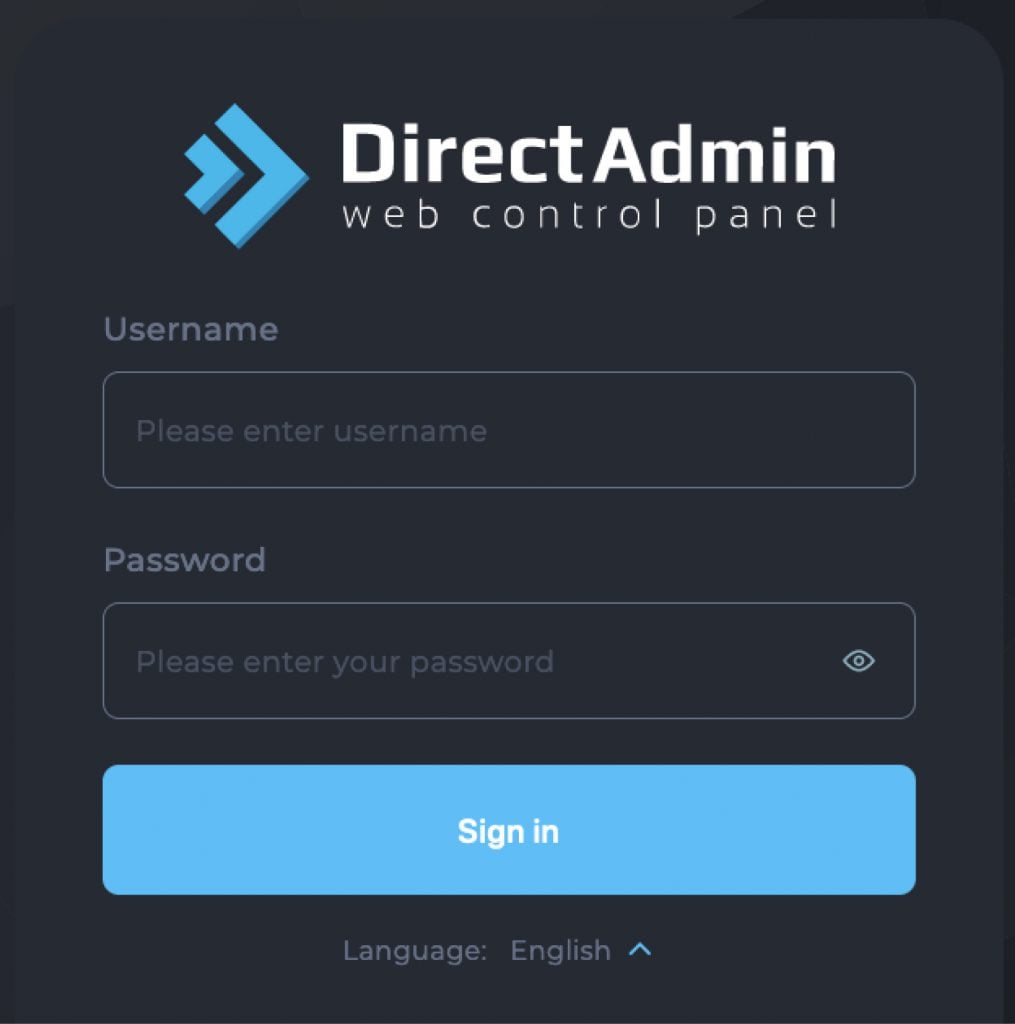
Note: Your DirectAdmin login details are in your Product Welcome Email. Your Product Welcome Email would have been sent to you when you first ordered a service from us. If you require assistance finding your login details, you can raise a support ticket via your MyDreamIT Portal, and our team will assist you further.